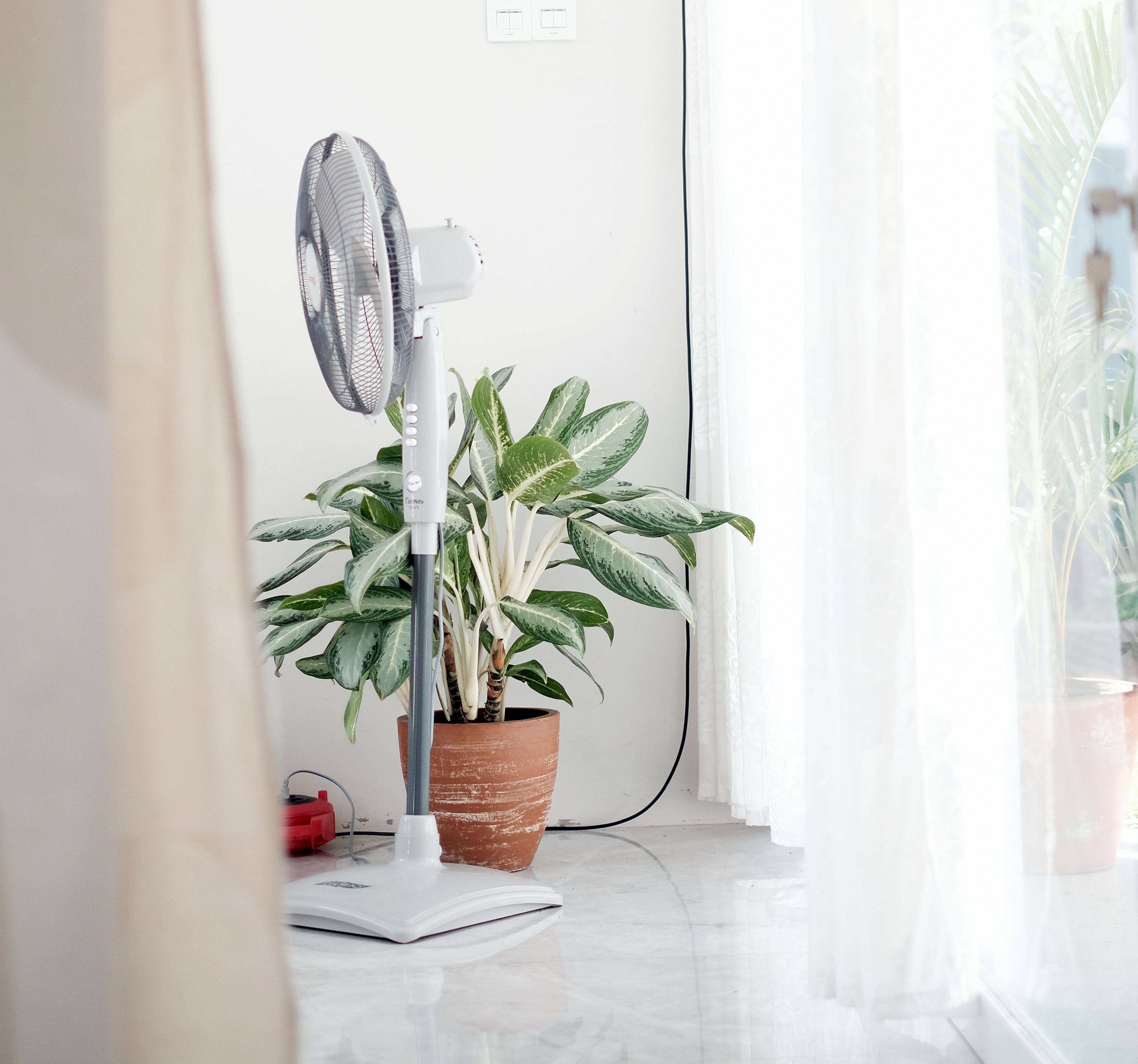
Keep Your Fan Running Smoothly
A fan is one of the most cost effective ways to stay cool during warmer weather, but over time you may notice it becoming noisier than when it was new. Buzzing, rattling, humming or clicking sounds can all be signs that your fan needs a little attention.
The good news is that in many cases, a noisy fan does not mean it needs replacing. Cleaning and simple maintenance can often improve performance, reduce noise and help extend its lifespan. Before carrying out any cleaning or maintenance, it is always worth checking the manufacturer's user guide for model specific instruction.
Why Has My Fan Become Noisy?
There are several common reasons why a fan may become louder over time.
Dust Build Up
The most common cause is dust. Dust collects on the blades, inside the grille and around the motor housing. As the blades become unevenly coated with this build up, the fan can become unbalanced, creating extra or new vibrations and noise.
Loose Parts
Over time, screws, clips or the fan grille may work loose through normal use. Even a slightly loose part can create an annoying rattle while the fan is running. Always refer to the manufacturer's guidance before tightening or removing any components.
Worn Bearings or Motor
If your fan has been used regularly for several years, the motor bearings may naturally wear. This often creates a constant humming or grinding sound. If this happens, it is best to consider your options, e.g. purchasing a new one or contact the manufacturer.
Uneven Floor Surfaces
Sometimes the problem is not the fan itself, but more the environment in which you’re using it. Placing a fan on an uneven floor or unstable table or surface can increase vibrations and make it seem much louder than it really is.
Always makes sure when placing the fan that it sits vertically upright and does not wobble or rock. Ensure power cables are not stuck underneath the fan base.
How to Clean Your Fan Safely
Before cleaning any fan, always switch it off and unplug it from the mains. Never clean a fan while it is still connected to the power.
Check the manufacturer's instructions before removing the front grille or fan blades. Some models are designed to come apart for cleaning, while others should only be cleaned externally.
Use a soft cloth or microfibre cloth to wipe away loose dust. A soft brush or vacuum cleaner with a brush attachment can also help remove dust from the grille and blades without damaging them.
For stubborn dirt, lightly dampen a cloth with warm water and a small amount of mild detergent. Avoid getting moisture into the motor or electrical components.
Once cleaned, ensure every part is completely dry before reassembling and using the fan again.
Then check the exterior of your fan for are intake vents, ensure these are clean and free from build-up, this helps to maintain a healthy airflow into the fan and reduce stress on the motor.
Simple Maintenance Tips
A little maintenance can help keep your fan running quietly throughout the season.
- Check the manufacturer's maintenance recommendations.
- Check that all visible screws and fittings are secure.
- Inspect the blades for damage or cracks.
- Make sure nothing is touching the blades while they spin.
- Keep the air vents around the motor free from dust.
- Store the fan somewhere clean and dry when it is not in use.
Cleaning every few weeks during periods of regular use can prevent dust from building up and affecting performance.
Keep Cool Without the Noise
A noisy fan is often simply asking for a clean or maybe even repositioning silightly. Regular maintenance, carried out in line with the manufacturer's guidance, helps improve airflow, reduces unnecessary strain on the motor and can make your fan quieter and more efficient.
By keeping your fan clean, checking it regularly and storing it correctly between seasons, you can enjoy cooler, quieter comfort whenever you need it especially in these summer months.