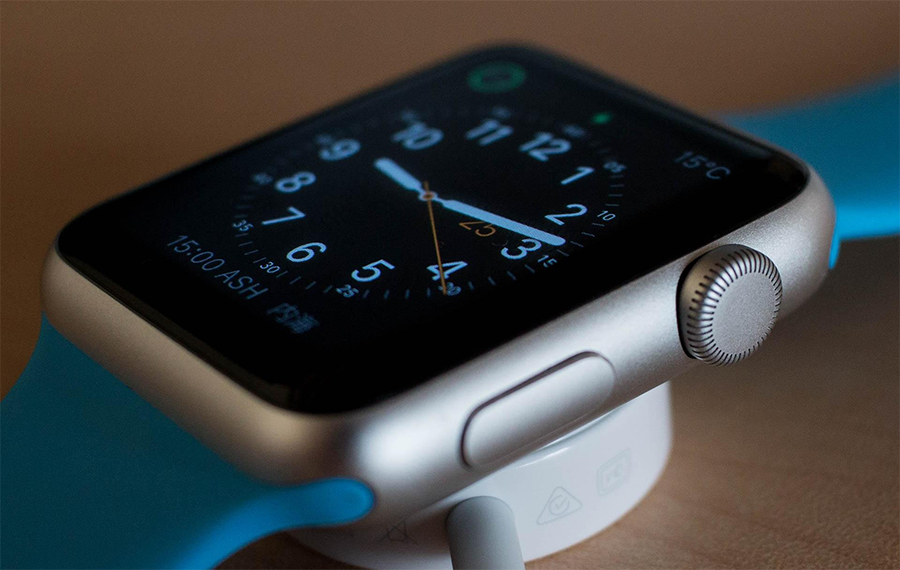
The Apple Watch is packed with useful features that go far beyond tracking steps and checking notifications. Whether you're travelling, exploring new places, taking photos or simply looking for added convenience throughout the day, there are several built-in tools that can make everyday tasks much easier.
If you've recently purchased an Apple Watch or want to get more from the one you already own, here are some handy features worth trying.
Take Better Photos from a Distance
Group photos, holiday snaps and creative shots can often be difficult to capture when you're the one holding the camera.
The Camera Remote feature allows your Apple Watch to act as a remote control for your iPhone camera. You can use your watch to preview the shot, adjust the framing, zoom in using the Digital Crown and even control exposure by tapping the preview image.
Once you're ready, simply tap the shutter button on your watch to take the photo. A three-second timer is enabled by default, helping you get into position before the picture is captured.
Make Payments Without Reaching for Your Wallet
One many people will be more familiar with is Apple Pay on Apple Watch. It offers a quick and convenient way to pay for purchases when you're on the move.
Whether you're grabbing a coffee, shopping on the high street or travelling on public transport, you can make secure contactless payments directly from your wrist.
Simply double-click the side button, select your preferred card if needed, and hold your watch near the payment terminal until you feel a gentle tap and hear a confirmation sound.
It's a simple feature that can save time and reduce the need to carry cash or cards.
Access Maps Without a Signal
Reliable navigation is essential when exploring unfamiliar areas, but mobile signal isn't always guaranteed.
Offline Maps allow you to download maps to your iPhone and sync them with your Apple Watch. This means you can still access important navigation information even when your phone isn't nearby or you're in an area with limited connectivity.
Whether you're walking through a city, exploring countryside trails or travelling abroad, having maps available offline can provide extra peace of mind.
Find Your Way Back with Backtrack
If you enjoy hiking, walking or exploring remote locations, Backtrack can be an incredibly useful safety feature.
Available within the Compass app, Backtrack records your route so you can retrace your steps if you become disoriented or need help finding your way back.
Once activated, the feature creates a path showing exactly where you've travelled. When you're ready to return, simply follow the route displayed on your watch back to your starting point.
It's particularly useful when exploring unfamiliar outdoor environments where landmarks may be limited.
Reduce Distractions with Theatre Mode
There are times when you want your Apple Watch to remain discreet, whether you're watching a film, attending a performance or sitting in an important meeting.
Theatre Mode prevents the display from automatically lighting up when you raise your wrist. It also enables Silent Mode, ensuring your watch remains less distracting while still allowing you to receive haptic notifications.
When you need to check your watch, simply tap the display, press the side button or use the Digital Crown to wake the screen.
Answer Calls without reaching for your Phone
One of the most useful apple watch features is the ability to answer calls when your phone is not within arm's reach.
If your phone is in another room, in your bag or even just on charge, your Apple Watch lets you stay connected without needing to find it.
When a call comes in, simply tap the green answer button on your watch to pick it up. You can speak directly through the built-in speaker and microphone, or switch to Bluetooth headphones for more privacy.
During the call, you can adjust the volume using the Digital Crown and end the call with a simple tap.
This feature is especially helpful when you're cooking, working, exercising or moving around the house, allowing you to stay connected without interrupting what you're doing.
Final Thoughts
The Apple Watch has evolved into much more than a fitness tracker. With features designed to improve convenience, navigation, photography and everyday usability, it can be a valuable companion both at home and while travelling.
By learning how to use some of its lesser-known functions, you can make the most of your smartwatch and enjoy a smoother, more connected experience wherever you go.
Taking a few minutes to explore these hidden features can help you get even more value from your device and unlock capabilities you may not have realised were already built in.
Check out our selection of apple watches here.