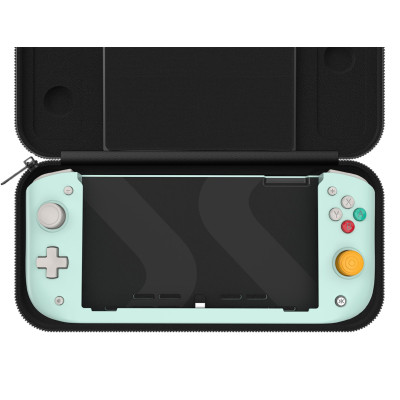
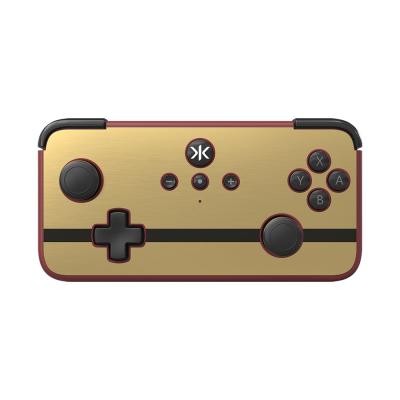
CRKD Nitro Deck Controller For Nintendo Switch - Black
320/1002

Product details
- Brand: CRKD
- Catalogue number: 320/1002
- Manufacturer's number: 23ND-BK-WW-STANDARD
CRKD Support
 UK:
UK:
 Eire:
Eire:
Email me this page
Enter your email address to have this page emailed to you *
Useful links
Online supportFAQs
The Nitro Deck does not have Amiibo support.
To remap the back buttons, hold down the "PROG" (Program) button found on the back of the Nitro Deck for three (3) seconds. The CRKD logo on the front of the Deck will flash purple, at this stage you can press any button and re-map it to the back buttons.
When remapped, both the original button & the remapped button will function.
To restore to default (remove mapping of all back buttons), hold down the "PROG" button for five (5) seconds. After three (3) seconds the CRKD logo will flash purple, continue to hold for another two (2) seconds and your buttons will be reset.
The Nitro Deck is compatible with both the regular Switch & the OLED Model.
The Switch Lite is not compatible with the Nitro Deck.
How-to videos
-
How to Fix Controller Stick Drift


Returns policy
If you need advice or support for your product, please in the first instance contact the support provider using the number on this support page.
If you still need to return your product then please visit our most up to date returns policy here.