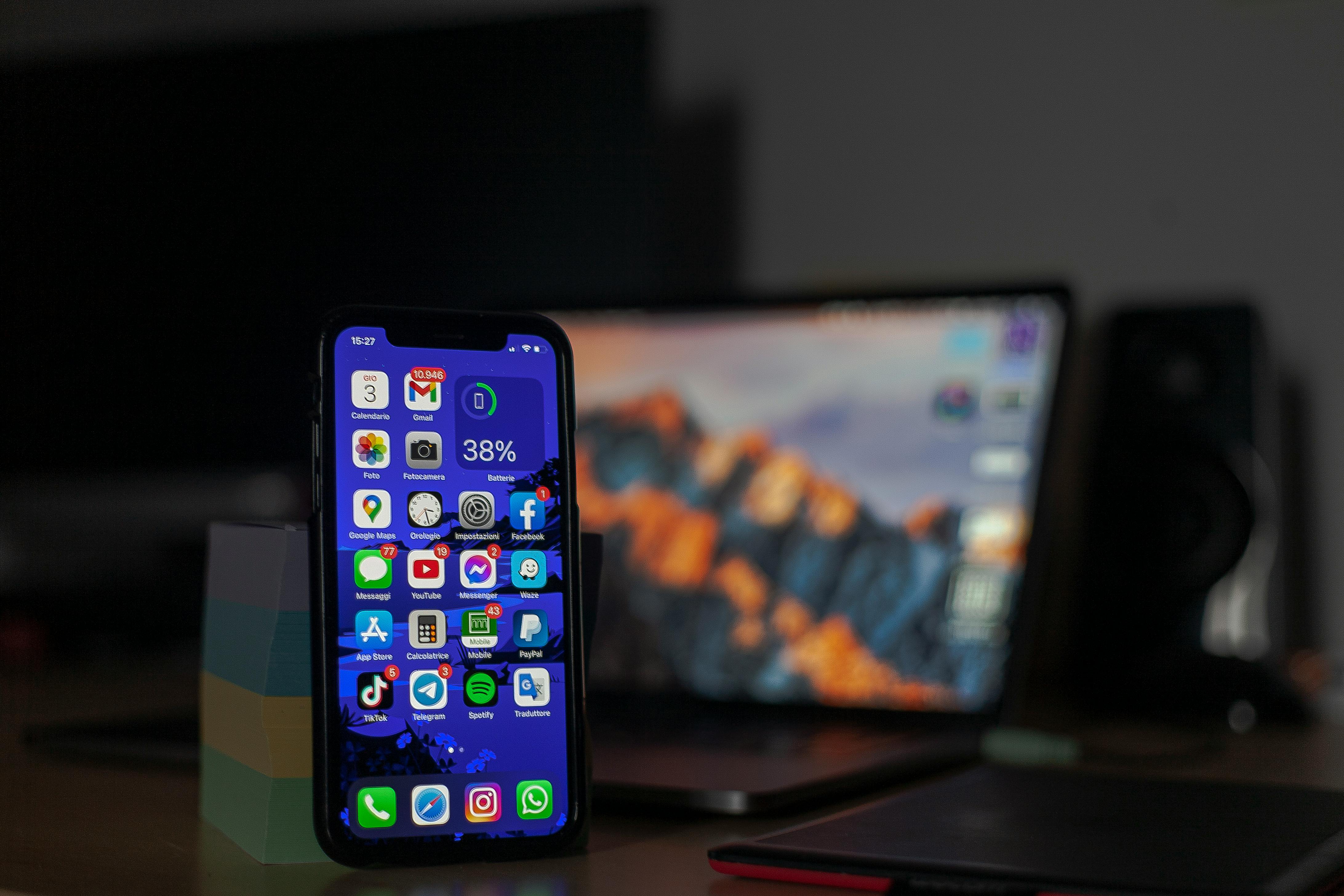
Many people regularly “swipe away” all their open apps, believing it saves battery life. Others insist it’s pointless. So, who’s right? The truth is: reopening an app usually uses more energy than leaving it idle in the background, but there are important exceptions. In this post, we’ll break down what’s really happening behind the scenes on your phone or computer, and when closing apps helps.
Why Reopening an App Uses More Energy
When you launch an app that was fully closed, your device must:
- Load the app from storage into RAM
- Start its processes from scratch
- Reconnect network services
- Render the interface again
All this activity requires CPU power, storage access, and often network use a burst of work that uses noticeably more energy than keeping the app paused in memory.
By contrast, when an app sits in the background:
- It’s frozen or paused
- It’s not using CPU cycles
- It stays quietly in RAM, which is low‑power
Modern operating systems (iOS, Android, Windows, macOS) are built to manage background apps efficiently. They will automatically restrict apps so they can’t drain your battery unless they’re doing something essential.
Bottom line:
Leaving an unused app open in the background is usually almost free in terms of energy.
When Closing Apps Can Save Battery
There are specific cases where force‑closing an app is a smart move.
1. Apps Actively Doing Things
Some apps keep working even when you’re not looking at them:
- Maps / navigation
- Music or video streaming
- Fitness and GPS tracking
- Video calling / VOIP
- Cloud backup or file syncing
If the app is noticeably busy, closing it will stop the activity and save energy.
2. Misbehaving apps
Occasionally, an app may:
- Keep using CPU unexpectedly
- Crash or loop
- Get stuck in sync
- Use excessive background data
In these cases, closing it is helpful and can immediately stop the drain.
When Closing Apps Makes Battery Life Worse
Closing apps is counterproductive when:
- You use them often
- The app normally stays paused just fine
- You repeatedly clear all apps
- You use “task killer” apps on Android
These habits force the device to reload your apps repeatedly, which is exactly where the extra energy cost comes from.
Even Apple and Google have publicly stated that manually closing apps isn’t necessary for battery life and can even reduce it.
A Simple Rule of Thumb
Here’s an easy way to decide:
Leave the app open if…
- You’ll use it again soon
- It’s idle
- It’s something you open frequently (email, browser, socials)
Close the app if…
- It’s actively doing something you don’t need
- It seems stuck or glitching
- It’s using GPS, camera, or background data unnecessarily
Follow these principles, and you’ll get the best blend of speed and battery efficiency without overthinking it.
In conclusion
So, should you swipe away all your apps? In most cases, no. Modern operating systems like iOS, Android, Windows, and macOS are specifically designed to manage background apps intelligently and efficiently. An idle app sitting quietly in memory consumes very little power; while reopening it forces your device to spend extra energy loading and restarting everything from scratch.
That said, force closing does have its place. If an app is actively using GPS, streaming, syncing, or clearly misbehaving, shutting it down can immediately stop unnecessary drain. The key is being selective not habitual.
In short: stop mass-closing apps out of reflex. Trust your device to do its job, step in only when something seems wrong, and you’ll enjoy better performance and better battery life without the extra effort.