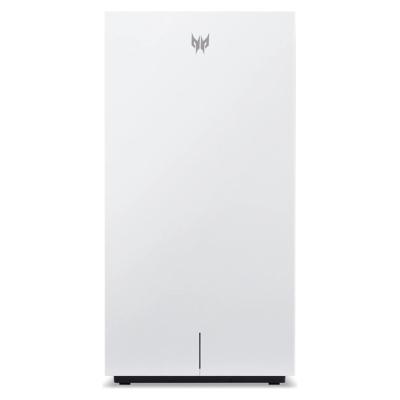
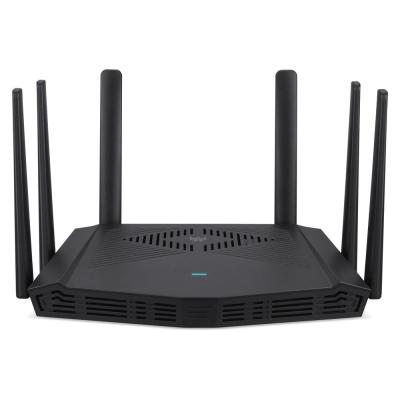
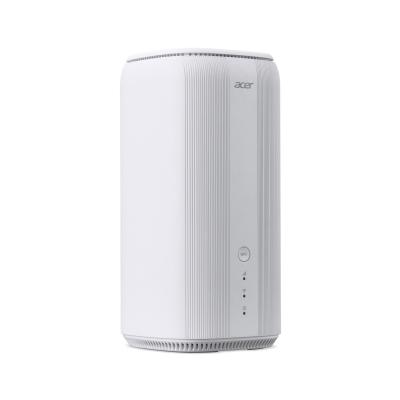
Acer Predator Connect T7 Wi-Fi 7 Mesh Router
776/4521
Product details
- Brand: Acer
- Catalogue number: 776/4521
- Manufacturer's number: FF.G2RTA.003
Acer Technical Support
 UK:
 Eire:
Email me this page
Enter your email address to have this page emailed to you *
FAQs
The main requirements you will need for Mesh WiFi are:
- Smartphone or tablet to set up the connection
- Plug sockets to power the devices/nodes
- A modem (or router) from an internet service provider
Please refer to your user manual or contact the support team on this page to confirm any specifications for your model.
You can keep your old router as long as it operates as a modem. We would recommend contacting your Internet Service Provider to confirm if your router can be used as a modem. Otherwise you would need to get a modem for the network.
Please refer to your user manual or contact the support team on this page to confirm any specifications for your model.
If the network is disconnecting, try the following:
- Turn off the nodes on the network. Unplug them all from the plug sockets. Wait 2 minutes. Plug the nodes back in. Turn them back on.
- Check the Ethernet cable is secure in the modem and, if necessary, remove and reinsert.
- Restart the modem.
- Check the placement of the nodes. Although they can be used to provide great coverage, they will still need to have good placement. Ensure they are placed on flat, hard surfaces, in open spaces. Avoid any closed spaces.
- Contact your Internet Service Provider.
If this doesn’t resolve the issue, please refer to your user manual or contact the support team on this page for further help.
How-to videos
-
How To Reset Your Wi-Fi Router
Returns policy
If you need advice or support for your product, please in the first instance contact the support provider using the number on this support page.
If you still need to return your product then please visit our most up to date returns policy here.