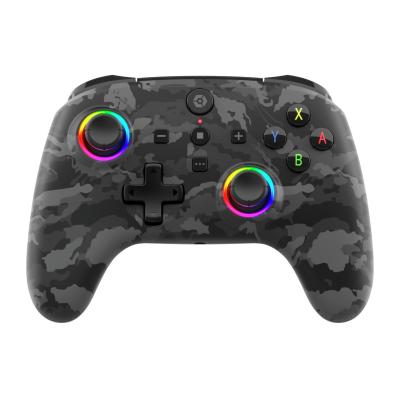
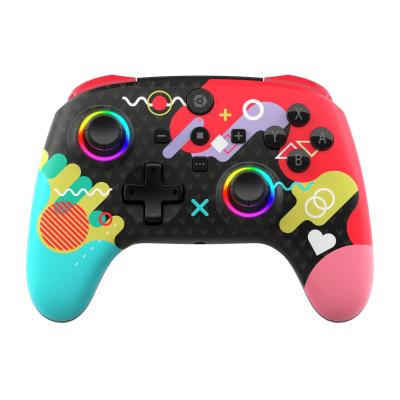
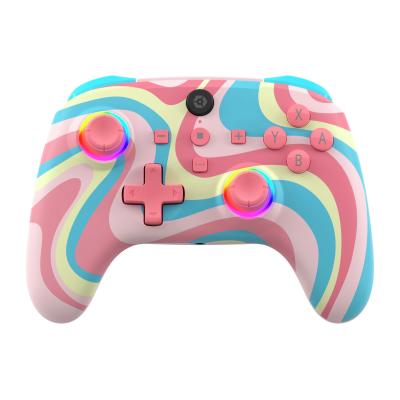
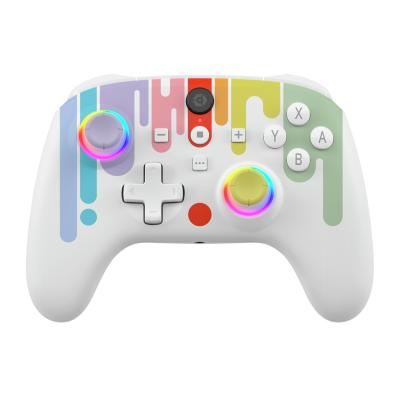
Gioteck WX5 Switch2, Switch & PC Wireless Controller - Black
751/5488
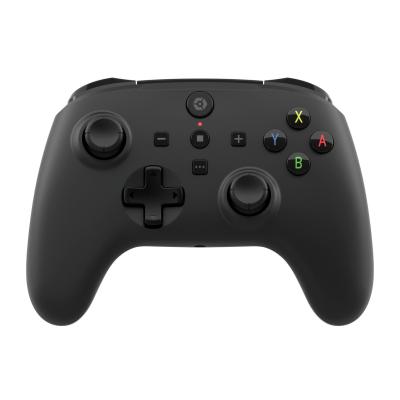
Product details
- Brand: Giotek
- Catalogue number: 751/5488
- Manufacturer's number: WX5NSW-36-MU
Gioteck Support
Call:
ONLINE SUPPORT ONLY
Mon-Sun:
Open 24 hours
Email me this page
Enter your email address to have this page emailed to you *
Useful links
Online supportFAQs
If your wireless controller won’t pair with the Nintendo Switch, try the following:
- Ensure the controller is in pairing mode. Try putting the controller in pairing mode by pressing and holding HOME + Y or holding HOME for 5 seconds until the LEDs flash rapidly.
- Go to Controllers – Change Grip/Order, wait for the controller to appear, then press A.
- If pairing still fails, clear any old controller data:
- Go to System Settings – Controllers and Sensors – Disconnect Controllers.
- Try pairing the controller again.
If your wireless controller was paired before but now won't reconnect, try the following:
- Many controllers have a wake-up button, which is usually the HOME button.
- Ensure the controller is powered on.
- Unpair/reset the controller (check the controllers instruction manual for this procedure).
If your wireless controller keeps disconnecting, check the following:
- Ensure that your controller is within range of the Switch.
- Don’t use the controller close to other Bluetooth devices, Wi-Fi routers or microwave ovens as these can cause interference.
- Ensure the controllers battery is fully charged.
- Unpair/reset the controller (check the controllers instruction manual for this procedure).
Questions & answers
How-to videos
-
How to Fix Controller Stick Drift
Returns policy
If you need advice or support for your product, please in the first instance contact the support provider using the number on this support page.
If you still need to return your product then please visit our most up to date returns policy here.