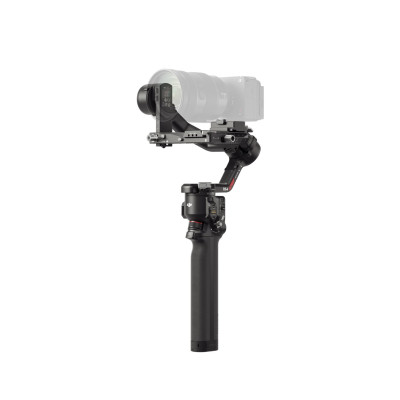
DJI RS 4 MINI COMBO
729/1166

Product details
- Brand: Dji
- Catalogue number: 729/1166
- Manufacturer's number: 387476
DJI Support
 UK:
 Eire:
Email me this page
Enter your email address to have this page emailed to you *
Useful links
Online supportFAQs
This is usually caused by incorrect balancing or a calibration issue. Check the following:
- Check that the camera or phone is mounted correctly.
- Balance all axes before powering on the gimbal.
- Run Auto Calibration or System Calibration from the DJI Ronin or DJI Mimo app.
- Place the gimbal on a stable, level surface during calibration.
- Restart the gimbal after calibration completes.
A motor overload warning occurs when the gimbal motors are working harder than they should.
Common causes are:
- The camera or phone not balanced correctly.
- The payload exceeds the supported weight limit.
- Gimbal locks or transport locks not removed.
- Obstructions preventing free movement.
- Heavy filters or accessories added after balancing.
Try the following:
- Power off the gimbal.
- Remove any obstructions.
- Rebalance all axes.
- Perform Auto Tune (RS/Ronin models).
- Restart the device.
If your gimbal will not connect to Bluetooth, try the following:
- Ensure Bluetooth is enabled on the mobile device.
- Verify the DJI app has Bluetooth and location permissions.
- Remove the existing Bluetooth pairing and reconnect.
- Reset the gimbal's Bluetooth settings.
- Update the DJI Mimo or Ronin app to the latest version.
- Restart both the phone and gimbal.
Excessive vibration can be related to poor balance or incorrect motor settings. Try the following:
- Rebalance the camera setup carefully.
- Run Auto Tune (Ronin/RS series).
- Check that all locks, plates, and screws are tightened.
- Remove accessories that were added after balancing.
- Update the firmware.
If your gimbal won't centre itself when powered on, try the following:
- Verify the camera/phone is correctly mounted and balanced.
- Double-press the trigger or use the recenter function.
- Run Auto Tune.
- Perform System Calibration.
- Restart the gimbal and test again.
Similar products


Returns policy
If you need advice or support for your product, please in the first instance contact the support provider using the number on this support page.
If you still need to return your product then please visit our most up to date returns policy here.