Logitech G Cloud Gaming Handheld Console
407/2209
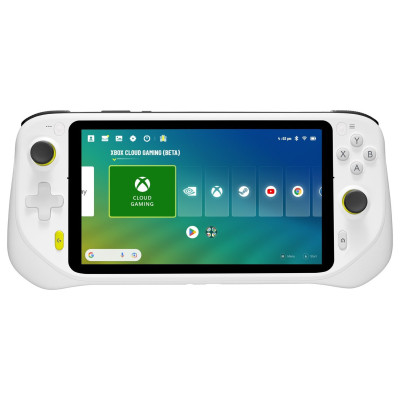
Product details
- Brand: Logitech
- Catalogue number: 407/2209
- Manufacturer's number: LOGIG
Logitech Support
 UK:
 Eire:
Email me this page
Enter your email address to have this page emailed to you *
Useful links
Online supportFAQs
It takes approximately 2.5 hours for a full charge in Power Off mode when you use an 18W adapter with QC/PD support.
- When you insert the SD card, you will be prompted How will you use this SD card? Select Use for extra tablet storage.
- Select Format this SD card and to move content to the SD card, select Move content.
- To move an app to an SD card, select Settings > Storage > Games.
- If the app has a CHANGE button, you can choose to move to the SD card.
Yes. Press both the Left Function and Right Function buttons at the same time. The screenshot will automatically be saved in your Album Library.
Yes, your device supports up to ten finger multi touch.
Yes, digital Type C headsets are supported.
How-to videos
-
How To Customize Controls
-
How To Setup Virtual Button Mapping
-
How To Update System Software


Returns policy
If you need advice or support for your product, please in the first instance contact the support provider using the number on this support page.
If you still need to return your product then please visit our most up to date returns policy here.