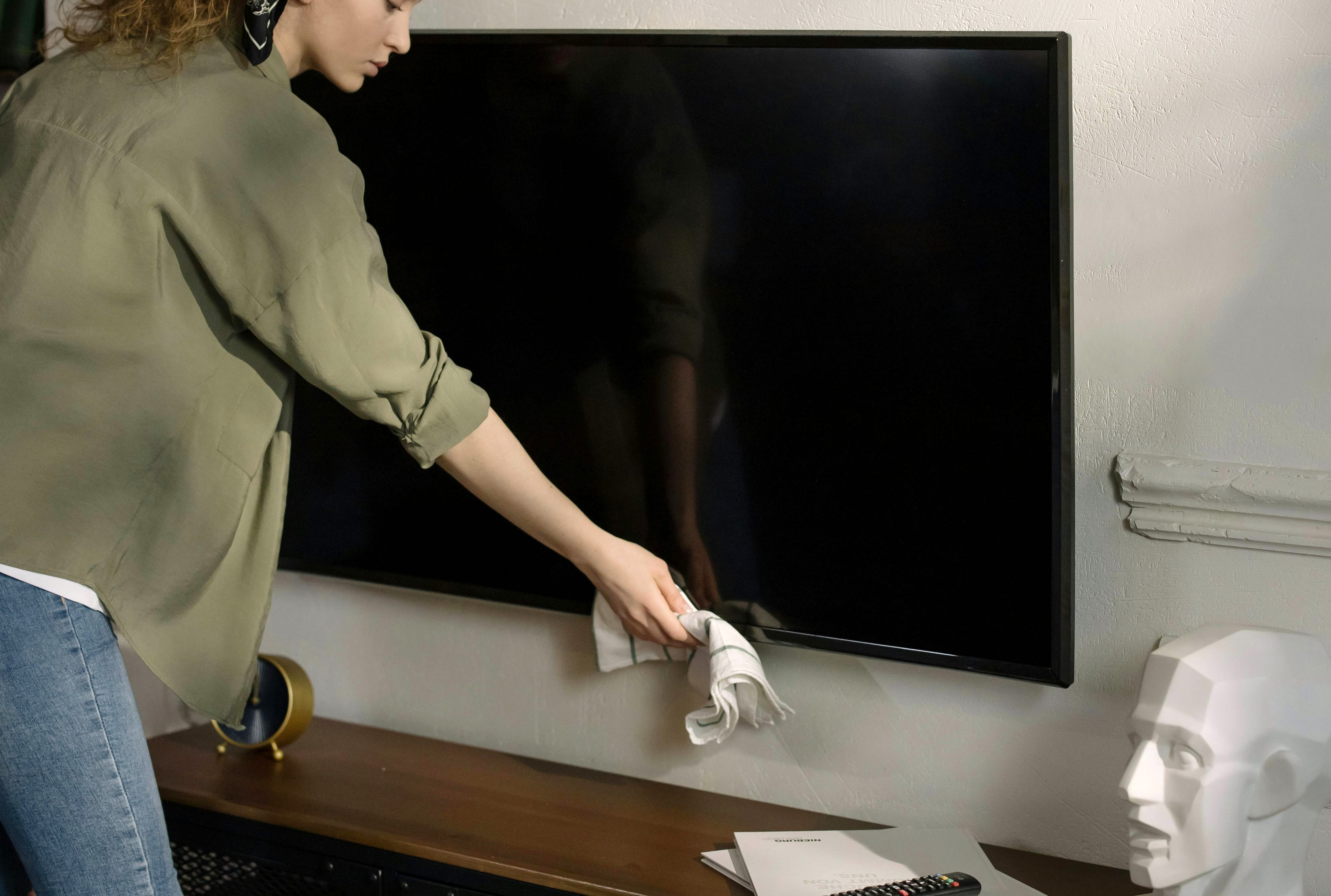
Spring has a way of revealing everything we’ve ignored all winter, dusty shelves, smudged windows, and those all too visible fingerprints covering your TV screen. As the daylight gets stronger, so do the streaks and dust that dull your viewing experience. If your screen is looking more hazy than high definition, it’s time for a simple, safe clean.
Modern TV and monitor screens are far more delicate than they appear. Using the wrong materials or techniques can cause scratches or damage the protective coating. The good news is that cleaning your screen properly doesn’t require much just the right approach and a bit of care.
Start with the Basics
Before you begin, switch off your TV or monitor and allow it to cool. This not only makes cleaning safer but also helps you see dust and smudges more clearly.
Your most important tool is a microfibre cloth. These cloths are soft, non-abrasive, and specifically designed to lift dust and oils without damaging surfaces. Avoid using paper towels, tissues, or old cloths, as they can leave scratches or lint behind.
Step by Step Cleaning
Remove Surface Dust
Use a clean, dry microfibre cloth to gently wipe the screen. Light, even strokes or small circular motions work best. This step removes loose particles that could otherwise scratch the screen.
Handle Fingerprints and Smudges
For marks that don’t come off easily, use a small amount of a screen-safe cleaning solution ( Always refer to the user manual) applied to the cloth not directly onto the screen. Gently wipe the affected areas without pressing too hard.
It’s really important to only use dedicated cleaning solutions and always check your manual for guidance.
Finish with a Gentle Buff
Use a dry section of the cloth to lightly polish the screen and remove any remaining streaks.
Do’s and Don’ts
Do:
- Use a clean microfibre cloth every time
- Apply light pressure, let the cloth do the work
- Use cleaners specifically made for screens if needed
- Clean your screen regularly to prevent buildup
Don’t:
- Use household glass cleaners, polishes or harsh chemicals
- Spray anything directly onto the screen
- Press hard or scrub stubborn marks
- Use rough or fibrous materials
Choosing the Right Cleaner
If you feel a cleaning product is necessary, look for one labelled safe for TVs, laptops, or monitors. These are designed to clean without leaving residue or damaging delicate coatings. Always apply the cleaner to your cloth first, keeping control over how much you use. Always refer to the user manual.
Make It Part of Your Routine
Keeping your screen clean doesn’t take much effort, but it makes a noticeable difference. A quick weekly wipe helps maintain clarity and keeps your viewing experience sharp.
So as the spring light pours in, don’t let dust and fingerprints steal the show. With a few careful steps and the right tools, your screen can look as bright and clear as the season itself.