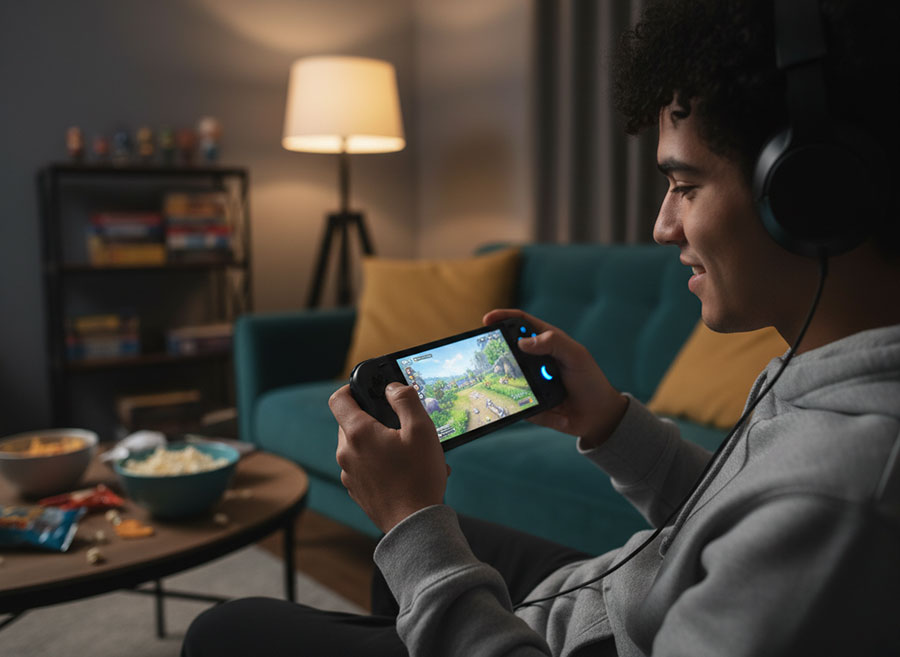
Nothing kills the fun faster than seeing that dreaded low-battery warning mid-game. Whether you’re on a Nintendo Switch, or any other handheld console, a few smart tweaks can help you squeeze out extra playtime. Here’s how:
Turn Down the Screen Brightness
Your devices screen is the biggest battery drain. Lowering the brightness to a comfortable level can make a huge difference. If your device has auto-brightness, turn it on so it adjusts automatically.
Pause Auto Updates
System updates are important, but they’re power-hungry. Switch off auto-updates or set them to run only when your device is plugged in. That way, your battery is used for gaming and not maintenance.
Use Airplane Mode When You Don’t Need Wi-Fi
Playing offline? Turn on Airplane Mode. When you turn on Airplane Mode, it shuts down Wi-Fi and Bluetooth signals, saving energy that would otherwise go into constant network checks.
Lower the Volume or Use Wired Headphones
Speakers and wireless audio eat up extra power. Drop the volume or plug in wired headphones for a little extra battery life.
Close Unused Apps
Background apps keep your Central Processing Unit (CPU) busy and drain power. Before you start gaming, we advise closing anything you’re not using, letting the battery work on what you want it to focus on.
Switch to Power-Saving Mode
Many handhelds have performance profiles. Choosing a balanced or power-saving mode reduces strain on the Central Processing Unit (CPU)/Graphics Processing Unit (GPU) and helps your battery last longer.
Turn Off Vibration
Haptic feedback is cool, but it costs power. Disabling vibration in settings can give you a bit more playtime. This is usually located in the Controllers settings. Look for options like Controller Vibration, Rumble or Haptic Feedback.
Keep Your Device Cool
Heat is the enemy of battery efficiency. Avoid playing in hot environments and keep vents clear so your device doesn’t overheat.
Final Thoughts
Battery life isn’t just about the size of your battery; it’s about how you use it. Every setting you tweak and every feature you disable adds up to more gaming time. Think of it like fine-tuning your console for efficiency: lower brightness, cut unnecessary connections, and keep things cool. These changes don’t require special tools or advanced knowledge, just a few minutes in your settings menu can make a big difference.
For our full range of Handheld Gaming devices see here