McGregor Cordless Detail Sander 18V 2.0
778/5342
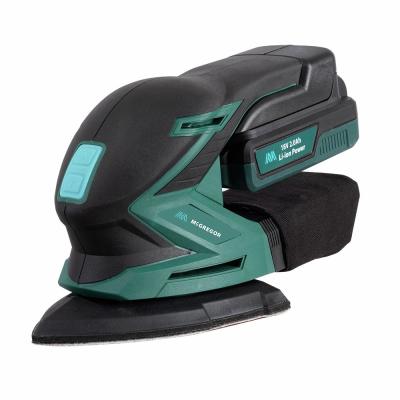
Product details
- Brand: McGregor
- Catalogue number: 778/5342
- Manufacturer's number: MCLDS18
McGregor Support
 UK:
UK:
 Eire:
Eire:
01904 727515
+44 1904 727515
Mon-Fri:
Sat-Sun:
9am to 5pm
11am to 4pm
Email me this page
Enter your email address to have this page emailed to you *
Useful links
FAQs
- Power Supply Issues: Ensure the sander is properly plugged into the mains power. For cordless models, verify that the battery is fully charged and correctly inserted.
- Faulty Power Cord or Battery: Inspect the power cord for any visible damage. If using a battery, check for corrosion or debris on the contacts.
- Tripped Circuit Breaker: If the sander is plugged into an outlet with a circuit breaker, ensure it hasn't tripped.
If the sanding pad is not spinning, check the following:
- Loose or Broken Drive Belt: The drive belt connects the motor to the sanding pad. If it's loose or broken, the pad won't spin.
- Obstructions: Debris or dust build-up can obstruct the sanding pad's movement. Clean the sanding pad and surrounding areas to remove any debris or dust build-up.
If your sander vibrates excessively, check the following:
- Worn or Unbalanced Sanding Pad: An uneven or damaged sanding pad can cause excessive vibration. Inspect the sanding pad for any signs of wear or damage. Replace it if necessary.
- Loose Parts: Loose screws or components can lead to increased vibration. Tighten any loose screws or components on the sander.
If your sander produces uneven sanding results, check the following:
- Incorrect Sandpaper Grit: Using the wrong grit sandpaper for the material can lead to uneven results. Choose the appropriate grit sandpaper for the material you're working with.
- Uneven Pressure Application: Applying uneven pressure during sanding can cause inconsistent results. Apply even pressure across the surface while sanding.
- Clogged Sandpaper: Dust build-up on the sandpaper can reduce its effectiveness. Clean or replace the sandpaper if it becomes clogged.
Questions & answers
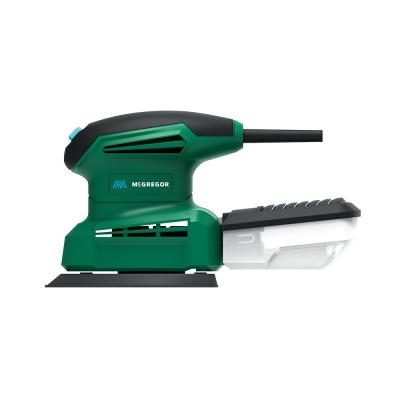
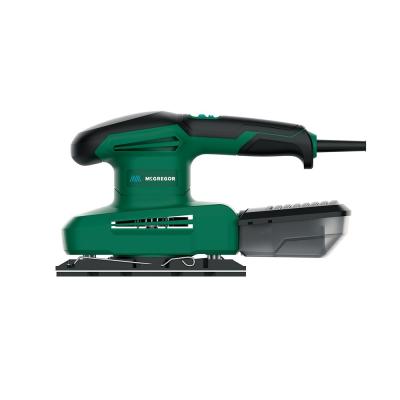
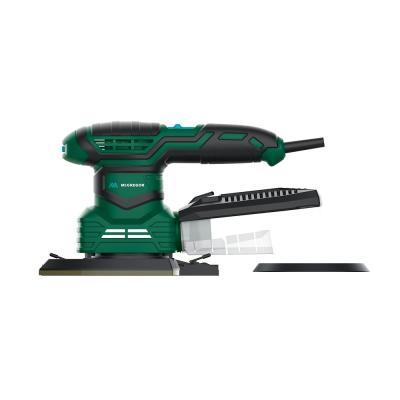

Returns policy
If you need advice or support for your product, please in the first instance contact the support provider using the number on this support page.
If you still need to return your product then please visit our most up to date returns policy here.