DJI Osmo Mobile 8 Tripod - Black
773/1705
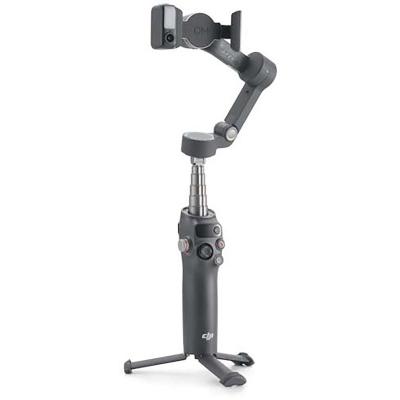
Product details
- Brand: Dji
- Catalogue number: 773/1705
- Manufacturer's number: 432432
DJI Support
 UK:
 Eire:
Email me this page
Enter your email address to have this page emailed to you *
Useful links
Online supportFAQs
Make sure Bluetooth is enabled on your phone and that the gimbal is powered on. Open the DJI Mimo app and follow the on-screen instructions to connect.
Check that the phone is mounted correctly and balanced in the magnetic phone clamp. If you extend the built-in extension rod, you should adjust the pan motor so it is level with the ground to ensure proper balance. Improper balance can affect gimbal performance.
Check that the alignment marks on the gimbal and the phone clamp are correctly aligned. If the module is installed properly, the indicator should illuminate.
Not necessarily, if the Multifunctional Module remains idle for more than five minutes, it will automatically enter sleep mode and the indicator will turn off. To wake it up, press the trigger on the gimbal.
Questions & answers
How-to videos
-
How to set up the Osmo Mobile 8 for the first time?
-
A quick-start guide to the button controls of Osmo Mobile 8


Returns policy
If you need advice or support for your product, please in the first instance contact the support provider using the number on this support page.
If you still need to return your product then please visit our most up to date returns policy here.