DJI Osmo Nano Standard Combo- 128GB
771/7798
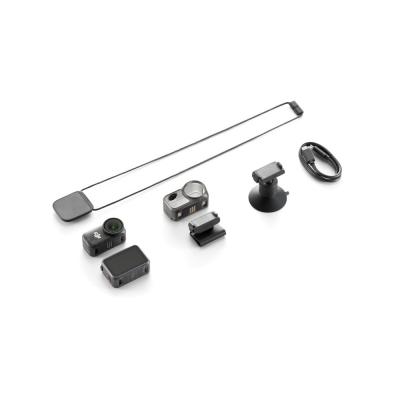
Product details
- Brand: Dji
- Catalogue number: 771/7798
- Manufacturer's number: CP.OS.00000460.02
DJI Support
 UK:
 Eire:
Email me this page
Enter your email address to have this page emailed to you *
Useful links
Online supportFAQs
Check the camera's status LED. If the LED is solid yellow the internal storage is full. Transfer the files to a computer, mobile device, or microSD card and free up storage space before recording again.
Ensure that Wi-Fi and Bluetooth are enabled on your mobile device, then open the DJI Mimo app, tap the camera icon, and follow the connection instructions.
Attach the camera to the Vision Dock, power it on, install the DJI Mimo app by scanning the QR code shown on the device, connect through the app, and complete the activation process.
A red and green alternating flash indicates that the camera is updating firmware. Avoid powering off the device during the update and allow the process to complete.
The Vision Dock normally charges the camera after installation. However, in some high power consumption scenarios, charging may stop and the system will prioritise using the Vision Dock battery instead. This behaviour is normal.


Returns policy
If you need advice or support for your product, please in the first instance contact the support provider using the number on this support page.
If you still need to return your product then please visit our most up to date returns policy here.