Nacon QuadCharging Station For Joy-Con Nintendo Switch 2
741/9168
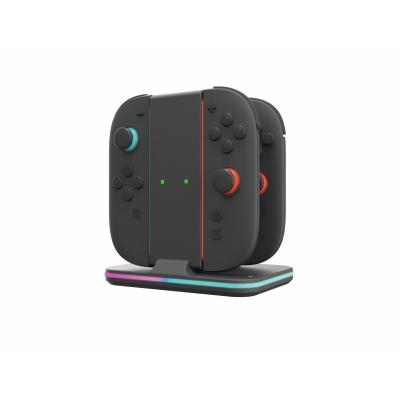
Product details
- Brand: nacon
- Catalogue number: 741/9168
- Manufacturer's number: SWITCHNEWJCCHARGERVV
Nacon Support
 UK:
UK:
 Eire:
Eire:
Email me this page
Enter your email address to have this page emailed to you *
Useful links
Online supportFAQs
If your Joy‑Cons are not charging on the charging dock/station, check the following:
- Ensure the charging dock/station is connected to a powered USB source.
- If the Switch Dock is powered off, or in low-power state, the charging dock/station may not work.
- Check that the Joy-Cons are pressed seated correctly on the charging dock/station.
If the LED charge indicators are not lighting up on the charging dock/station when charging the Joy-Cons, check the following:
- Ensure the charging dock/station is connected to a powered USB source.
- If the Switch Dock is powered off, or in low-power state, the charging dock/station may not work.
- Check that the Joy-Cons are pressed seated correctly on the charging dock/station.
If the Joy‑Cons feel loose or won’t slide smoothly into the charging dock/station, check the following:
- Ensure you are sliding the Joy-Cons down vertically.
- Check that the charging dock/station rails are free from debris.
To safely remove the Joy-Cons from the charging dock/station, carry out the following:
- Unplug the charging dock/station from the power source.
- Place two fingers on top the charging dock/station.
- Carefully pull the Joy-Con directly upwards.
How-to videos
-
How to Fix Controller Stick Drift

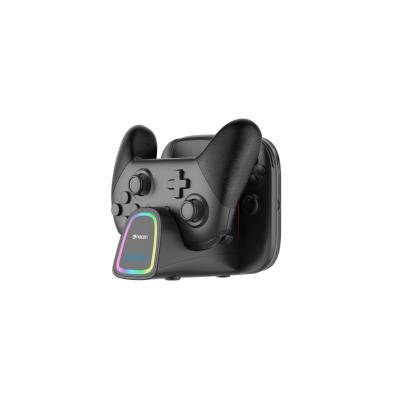
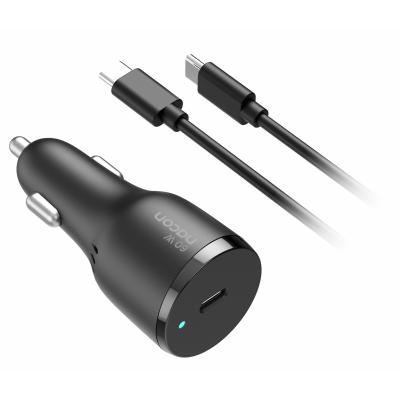

Returns policy
If you need advice or support for your product, please in the first instance contact the support provider using the number on this support page.
If you still need to return your product then please visit our most up to date returns policy here.